
If you’re a John Deere dealership seeking to get your inventory onto our FREE retail marketplace, it couldn’t be easier. Just follow the following steps. If you have any questions, we’ll be there to guide you. Just call 402-702-2222.
Step 1: Register your Dealership on Tractor Tuesday
Go to https://tractortuesday.com/dealer-form and submit your company’s details. The form looks like this:
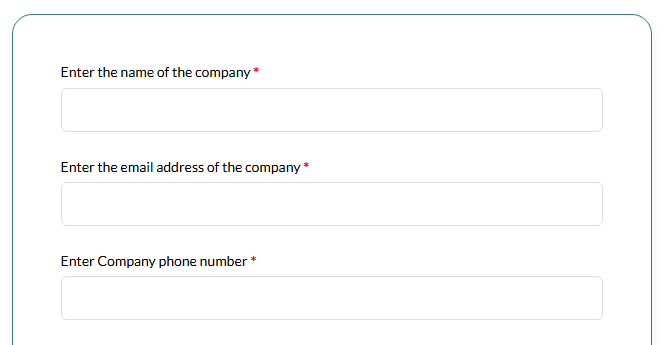
It should only take you 1 minute. If you don’t have a banner image, just leave it blank. It’s optional.
Step 2: Ask MachineFinder Pro to Activate Tractor Tuesday for Your Account
Submit a feedback form in MFPro by clicking the Question Mark in the upper right corner of MFPro and indicating you want Tractor Tuesday activated as a MAX advertiser.

Once you’re activated, let us know, as we’ll receive your location IDs and add them to the account you just registered in Step 1.
Step 3: Submit Your Inventory to Tractor Tuesday via the MAX Service
You’ve likely done this before for other sites (such as Machinery Pete). If you’re not sure, here’s a breakdown of what to do.
a. Verify you are on the Management List in the upper right corner of MFPro. If you are not in the Management List and in Salesbook mode instead, click the menu and select “Switch to Management List.”

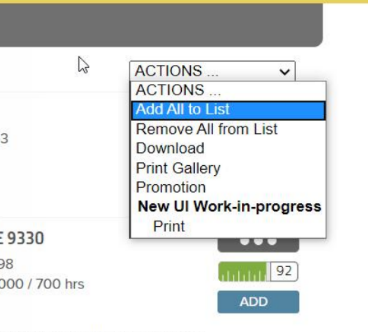
b. On the My Inventory page of MachineFinder Pro, select the ‘Add All to List’ from the dropdown. All units will show “Added” in the list.
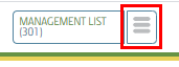
c. Click the white Management List button.
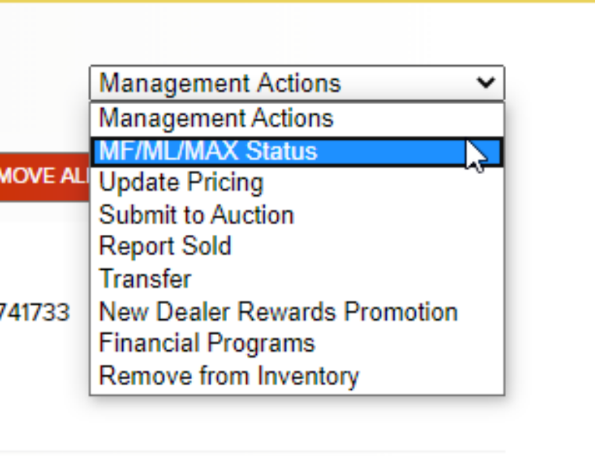
d. In the Management Actions dropdown, select “MF / ML / MAX Status.”
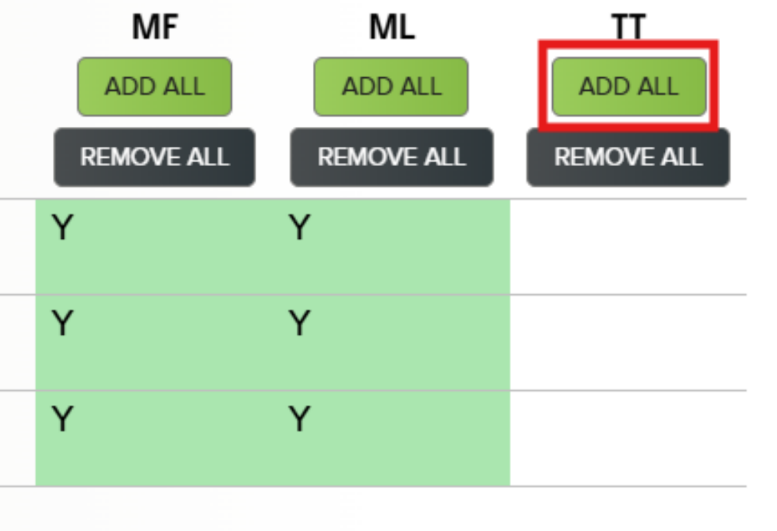
e. Click “Add All” under the column for “TT” (Tractor Tuesday). After clicking “Add All”, the column for IC will turn green.
That’s it! Your inventory should now be synced with our system, and everything you do on MFPro will be reflected automatically on Tractor Tuesday.